If you want to shop and order really fast just securely add your data to your google profile and confirm when buying. Make sure you have good antivirus software and second security layer like 2FA enabled on all your devices. This way you will not need to fill your shopping and shipping details again and waste your time on confirmations when buying goods online.
The best way to improve the online security even further is to add your finger print key to your devices.
🔐 Tips for Safe Online Shopping


1. Check the website security
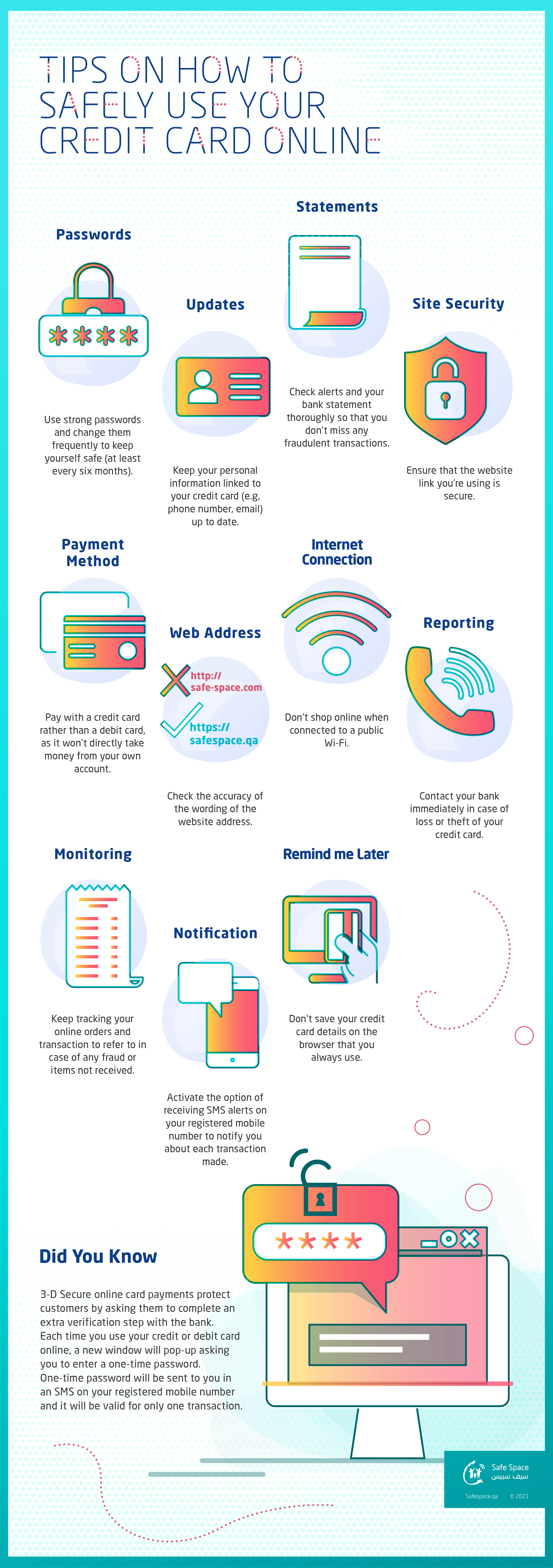
- Make sure the URL starts with https://
- Look for the 🔒 padlock in the address bar
If it’s missing → don’t enter payment details.
2. Research the store first
- Google the store name + “reviews” / “scam”
- Look for reviews on independent sites, not just testimonials on the store itself
- Be cautious with new or unknown domains
3. Use safe payment methods
- Prefer credit cards or PayPal
- Avoid bank transfers, crypto-only payments, gift cards
- Credit cards offer chargeback protection
4. Be suspicious of “too good to be true” deals
- Huge discounts (70–90%) on popular products are a red flag 🚩
- Scammers rely on urgency and impulse buying
5. Check return & refund policies
- Legit stores clearly show:
- Refund policy
- Return address
- Customer support contact
- No policy or vague wording = warning sign
6. Protect your personal data
- Never overshare (ID numbers, unnecessary details)
- Create strong, unique passwords
- Enable two-factor authentication (2FA) when available
7. Avoid public Wi-Fi for purchases
- Don’t shop on open Wi-Fi (cafes, airports)
- Use mobile data or a trusted VPN if needed
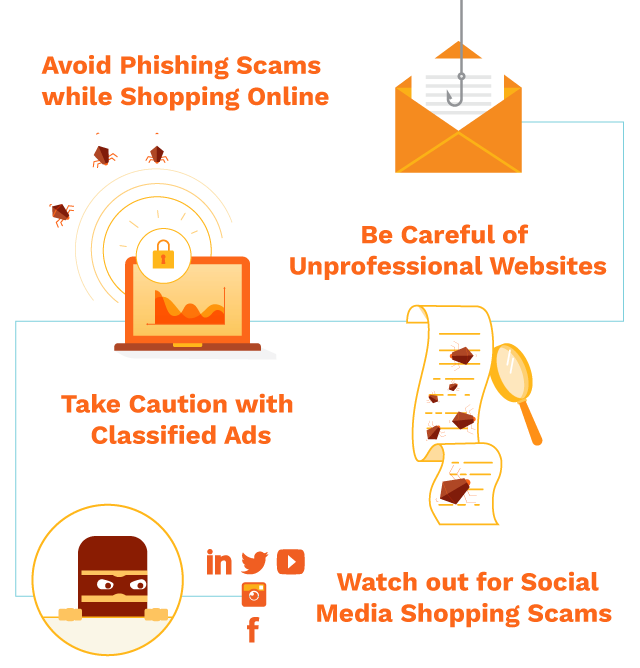
8. Watch for phishing emails & ads
- Fake emails may look legit but have:
- Misspellings
- Odd sender addresses
- Urgent language (“Act now!”)
- Never click suspicious links—visit the site directly instead
9. Keep your device protected
- Update your browser & OS
- Use antivirus / anti-malware software
- Enable browser scam warnings
10. Save proof of purchase
- Keep order confirmations, invoices, and emails
- Take screenshots if the store seems questionable
📊 TABLE: SAFE vs RISKY ONLINE SHOPPING PRACTICES
| Action | Safe Practice ✅ | Risky Practice ❌ |
|---|---|---|
| Website URL | HTTPS + padlock | HTTP only |
| Payments | Credit card / PayPal | Bank transfer / crypto |
| Reviews | Independent platforms | Only site testimonials |
| Discounts | Reasonable offers | 80–90% off popular items |
| Wi-Fi | Private or mobile data | Public Wi-Fi |
#SafeOnlineShopping
#OnlineShoppingTips
#AvoidScams
#EcommerceSafety
#SecurePayments
#ShopSmart
#InternetSafety
#CyberSecurity